
Open WhatsApp Web
Sign in at web.whatsapp.com with the QR code and wait for your chats to load.
Switched phones and forgot to move your contacts? If WhatsApp Web still shows them by name, you can have them on your new phone in minutes.
Once it's installed, it takes less than a minute.
Sign in at web.whatsapp.com with the QR code and wait for your chats to load.
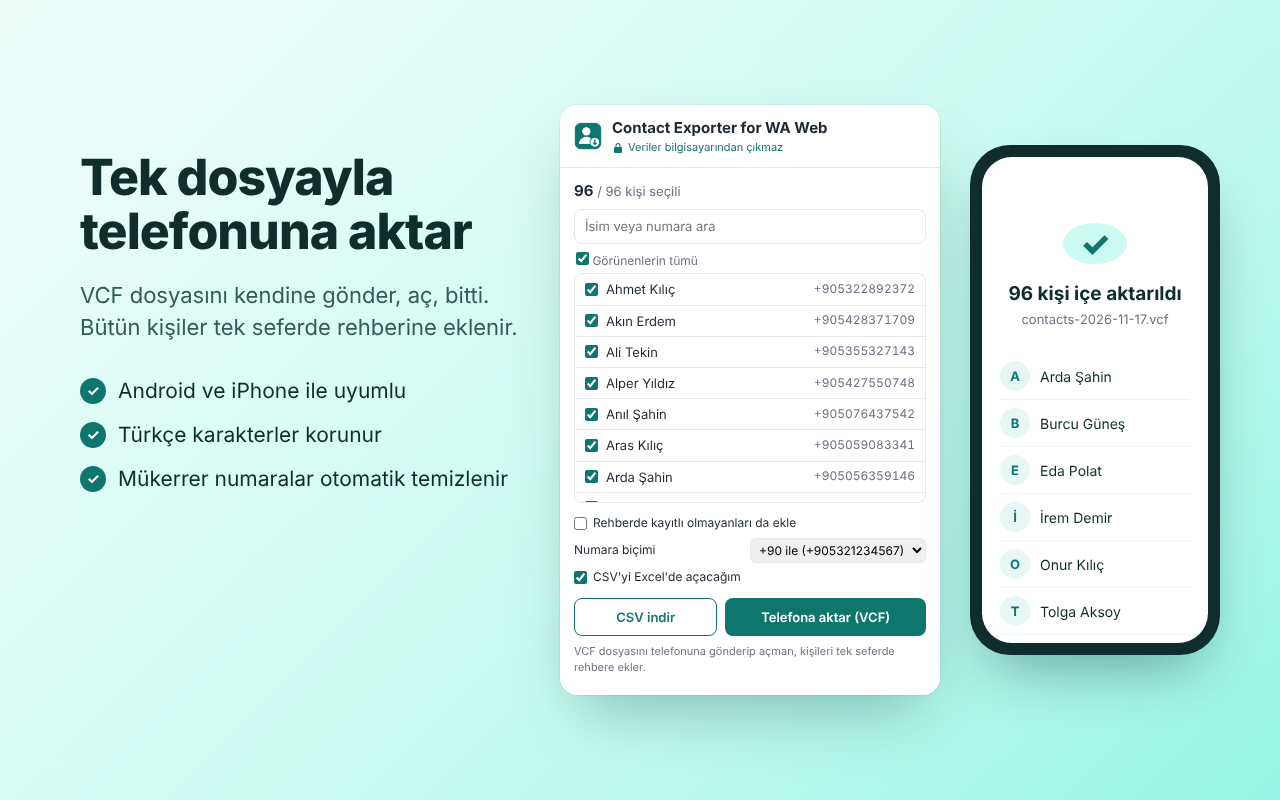
Your contacts are listed. Search, filter, and untick anyone you don't want.
Send yourself the VCF file and open it. All contacts are added to your address book at once.
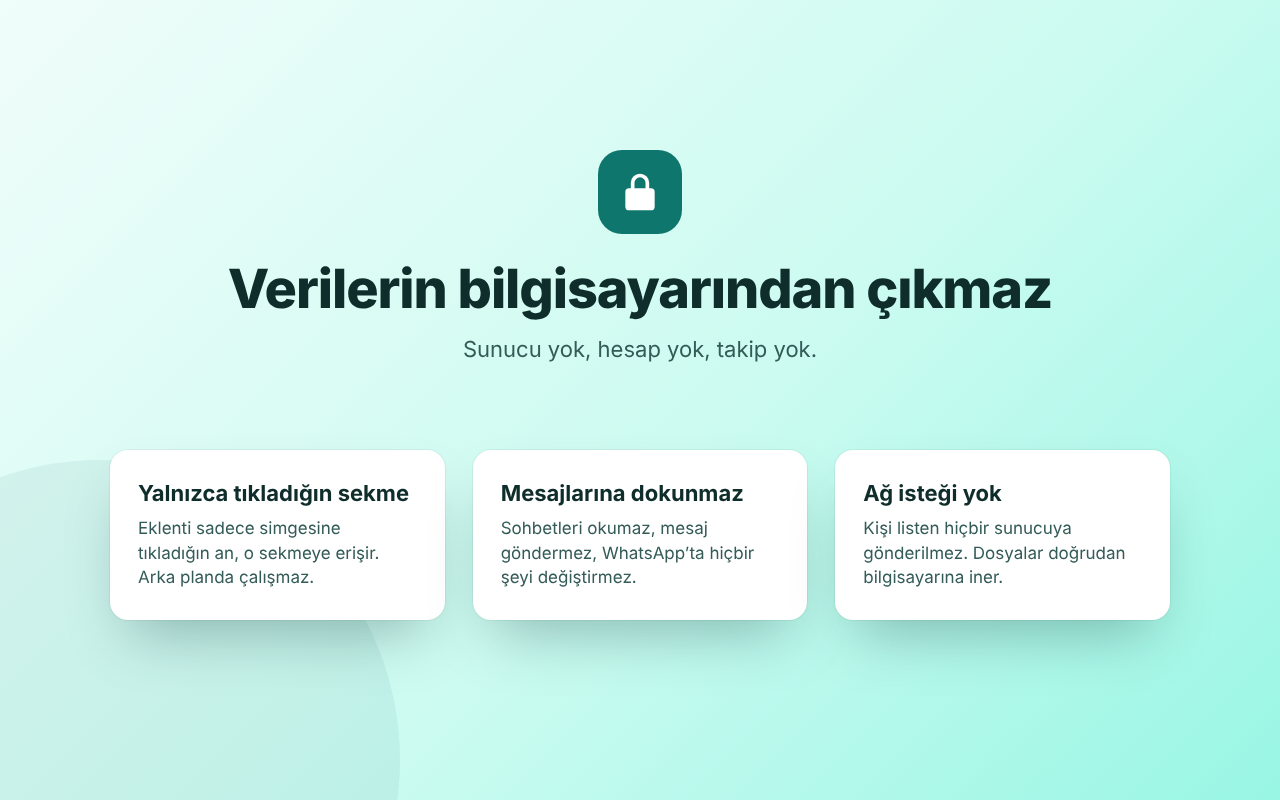
A contact list is sensitive data. The extension only reads it, writes it to a file and forgets it.
activeTabAccess only to the tab you click the icon on, only at that moment. It never runs in the background.scriptingTo run the small function that reads the contact list in that tab.extension/lib.js
Send the file to your phone and tap it; the Contacts app offers to import it. If it doesn't, use Contacts → Settings → Import → .vcf file.
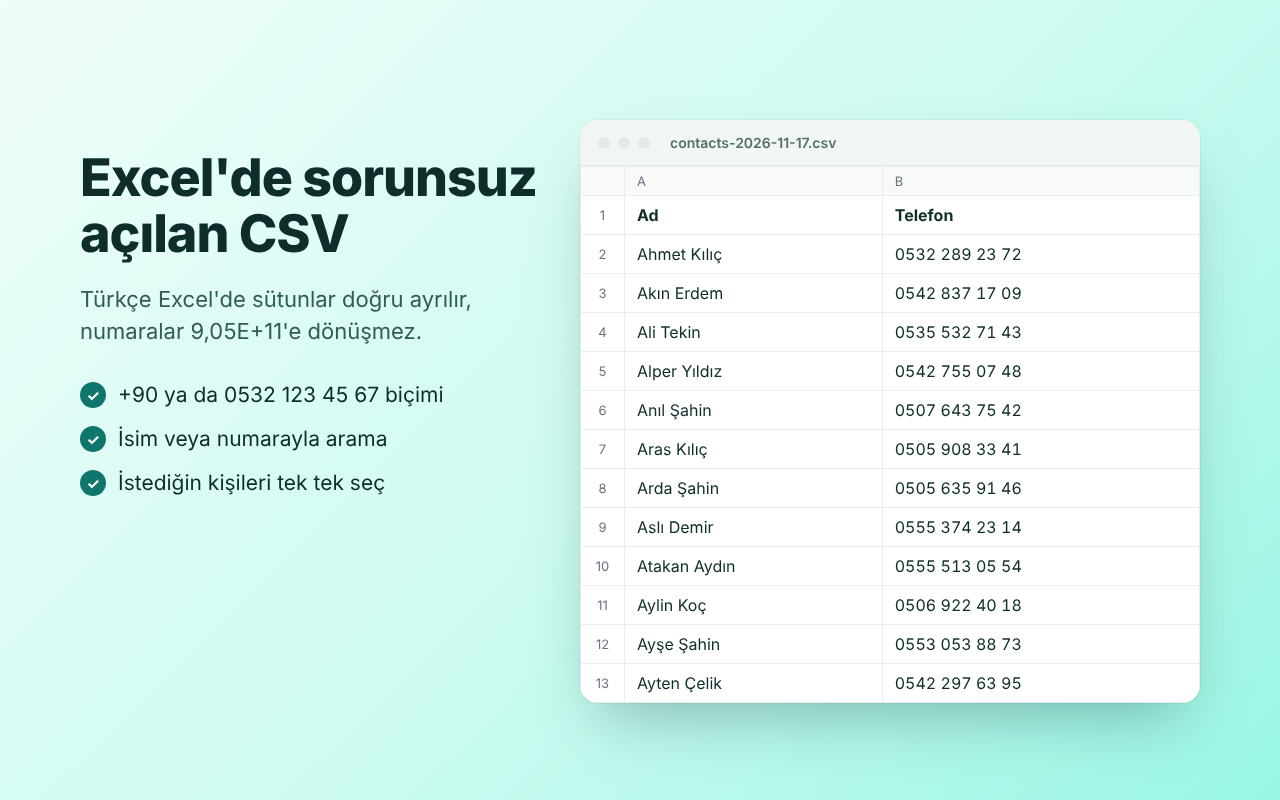
Yes. The easiest way is to upload the VCF file at contacts.google.com → Import. If you use the CSV instead, turn off the "I'll open the CSV in Excel" option.
For CSV you can choose +905321234567, +90 532 123 45 67, the local format of more than 240 countries (for example (202) 555-0123 in the US or 0151 23456789 in Germany), 00905321234567, or digits only. VCF always uses the international format, so it works on every phone.
The extension exports the contacts WhatsApp Web knows about: people who use WhatsApp and are saved in your address book. People without WhatsApp, and details such as email addresses or second numbers, aren't in WhatsApp, so they can't be exported. You can also include numbers you never saved with the "Also include numbers not saved in your contacts" option.
The extension sends nothing to WhatsApp, sends no messages and automates nothing. It only reads the contact list that WhatsApp Web already stores in your browser.
English and Turkish. It opens in Turkish if your Chrome is set to Turkish and in English otherwise. Country names and CSV column headers follow the same language.
No. It's free, ad-free and open source under the MIT license.
Install it, open WhatsApp Web, click. Everything else is one file away.
Contact Exporter for WA Web is not affiliated with WhatsApp LLC or Meta Platforms.